The printable budget planner vs app debate usually gets framed as old-school against modern. That misses the point. The best budget tool is the one you will still open in month four. Paper, apps and spreadsheets each make different things easy, and the right pick depends on how you like to think about money. Here is a straight comparison, without pretending one wins for everyone.
| Printable planner | Budgeting app | Spreadsheet | |
|---|---|---|---|
| Setup | Print and start | Account, bank linking | Build or use a template |
| Tracking effort | Manual writing | Mostly automatic | Manual or CSV paste |
| Math | You do it | Done for you | Formulas do it |
| Ongoing cost | One-time | Often a subscription | Free to one-time |
| Privacy | Stays on your desk | Data with a third party | Your file |
| Awareness | High; you write every number | Lower; easy to stop looking | Medium to high |
Writing a purchase down by hand takes a few seconds longer than seeing it appear in an app, and that small friction is the feature. Many people find they notice their spending more when they have to record it. Paper also has no notifications, no login, no bank connection to break, and no subscription to cancel. A printed monthly spread on the fridge or desk is a visible reminder in a way an app icon is not.
The downsides are real: you do the arithmetic, you cannot search last March's grocery total quickly, and if your partner is across town they cannot update it.
Apps that connect to your bank categorize transactions automatically and show charts instantly. If you have many small transactions, several cards, or simply hate data entry, that automation is valuable. The trade-offs are subscription costs for many popular apps, sharing financial data with a company, occasional sync errors, and the risk that automatic tracking becomes automatic ignoring.
A spreadsheet gives you the math and charts of an app with the control and privacy of paper. It suits people who like tinkering. If that sounds like you, start with how to make a budget spreadsheet in Google Sheets.
Plenty of people combine tools. A common setup: plan the month on paper at the start (income, bills, goals), log day-to-day spending in whatever is handiest, then spend fifteen minutes at month end writing the real totals back on the printed page and comparing. The paper page becomes your monthly review, while the app or bank feed handles the tedious capture. Another hybrid: paper for the monthly plan and a spreadsheet for debt payoff, where the formulas really help.
Pick a method from our zero-based vs 50/30/20 comparison before you start writing numbers.
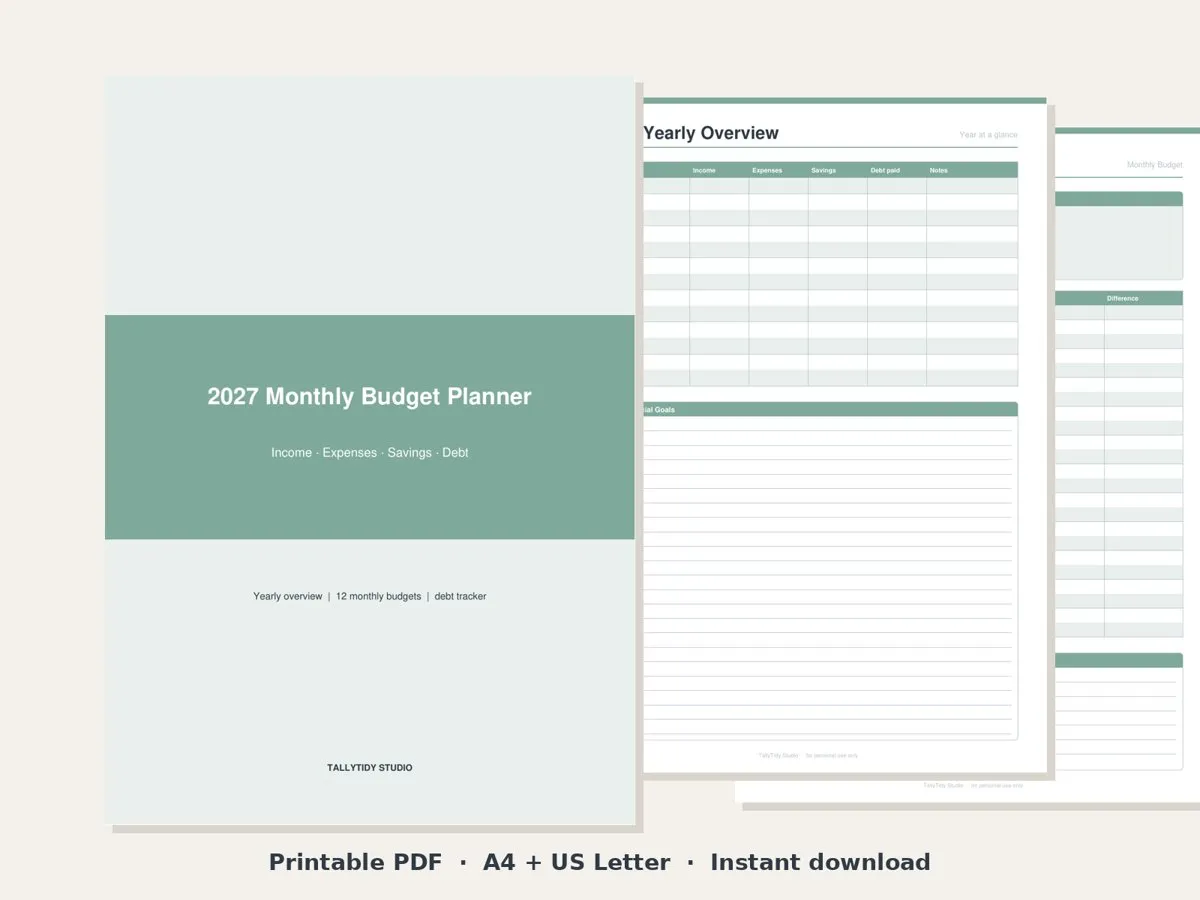
The 2027 Budget Planner printable has monthly budget pages, expense logs and savings trackers in A4 and US Letter. If you lean toward spreadsheets, the Monthly Budget & Debt Snowball Planner does the math, and the Undated Weekly Planner pairs well with either for weekly check-ins.
Whichever you pick, give it a fair trial of three months before switching. The first month always feels clumsy.
If you want awareness and privacy, try a printable budget planner. If you want automation, try an app and commit to a weekly review. If you want control and history, use a spreadsheet. And if you cannot decide, start on paper this month; it costs little and teaches you which categories you actually need.
Not if you reconcile against your bank statement monthly. The math is the weak point, so double-check totals.
Yes. The categories and habits carry over; only the tool changes.
Review each app's security and privacy policy, and decide whether you are comfortable linking accounts.
General educational information, not financial advice.
Free tool: 50/30/20 budget calculator – split your take-home pay into needs, wants and savings.