If you have been meaning to figure out how to make a budget spreadsheet, Google Sheets is the easiest place to start: it is free, it works on your phone, and you can share it with a partner. This walkthrough is the practical, button-by-button version. Our longer step-by-step budgeting guide covers the budgeting method itself; here we focus on actually building the file so it does the math for you.
Three tabs is enough. People who build twelve tabs on day one tend to abandon them by March.
Open a blank sheet, rename the first tab "Lists", and type your categories down column A: Rent, Utilities, Groceries, Transport, Insurance, Debt payments, Savings, Eating out, Fun, Gifts, Miscellaneous. Starting here means every other tab can point at one list, so spelling never drifts.
Add a tab called "Transactions" with headers: Date, Description, Category, Amount. Select the Category column, then go to Data → Data validation → Add rule → Dropdown (from a range) and choose Lists!A2:A30. Now every purchase gets a category from a menu instead of free typing. This single step fixes the most common reason budget totals go wrong.
Headers: Category, Planned, Actual, Difference. In column A, reference your list (=Lists!A2 and fill down) or paste the names. Type planned amounts in column B.
In C2 put:
=SUMIF(Transactions!C:C, A2, Transactions!D:D)
and fill down. That adds every transaction that matches the category. In D2 put =B2-C2. A positive number means you are under plan.
Below the categories, add Total planned =SUM(B2:B20) and Total actual. Put your monthly take-home income in a cell near the top, and next to it "Left to assign": income minus total planned. If you follow a zero-based approach, tweak planned amounts until that cell reads 0. Not sure which method suits you? Compare them in zero-based budget vs 50/30/20.
=SPARKLINE(C2,{"charttype","bar";"max",B2}) to show how much of each category is used.Pick one: type purchases in as they happen on your phone, or do a weekly 10-minute session where you export your bank's CSV and paste it into Transactions. Either works. What does not work is waiting until month end and facing 80 rows. If you share the sheet with a partner, agree who logs what so nothing is counted twice.
Two small rules keep the numbers honest. Enter refunds as negative amounts in the original category. And treat credit card payments as transfers, not expenses, because you already logged the individual purchases.
Right-click the Budget tab and choose Duplicate. Rename it with the month, clear nothing on the formulas, and add a Month column on Transactions, then change the SUMIF to a SUMIFS that also matches the month. Alternatively, keep one Transactions tab per month; simpler, but harder for yearly views.
Car insurance, annual subscriptions and birthdays wreck otherwise good budgets. Add a "Sinking funds" category, set aside a monthly slice, and track the balance on its own small table. Our sinking funds spreadsheet guide shows the layout.
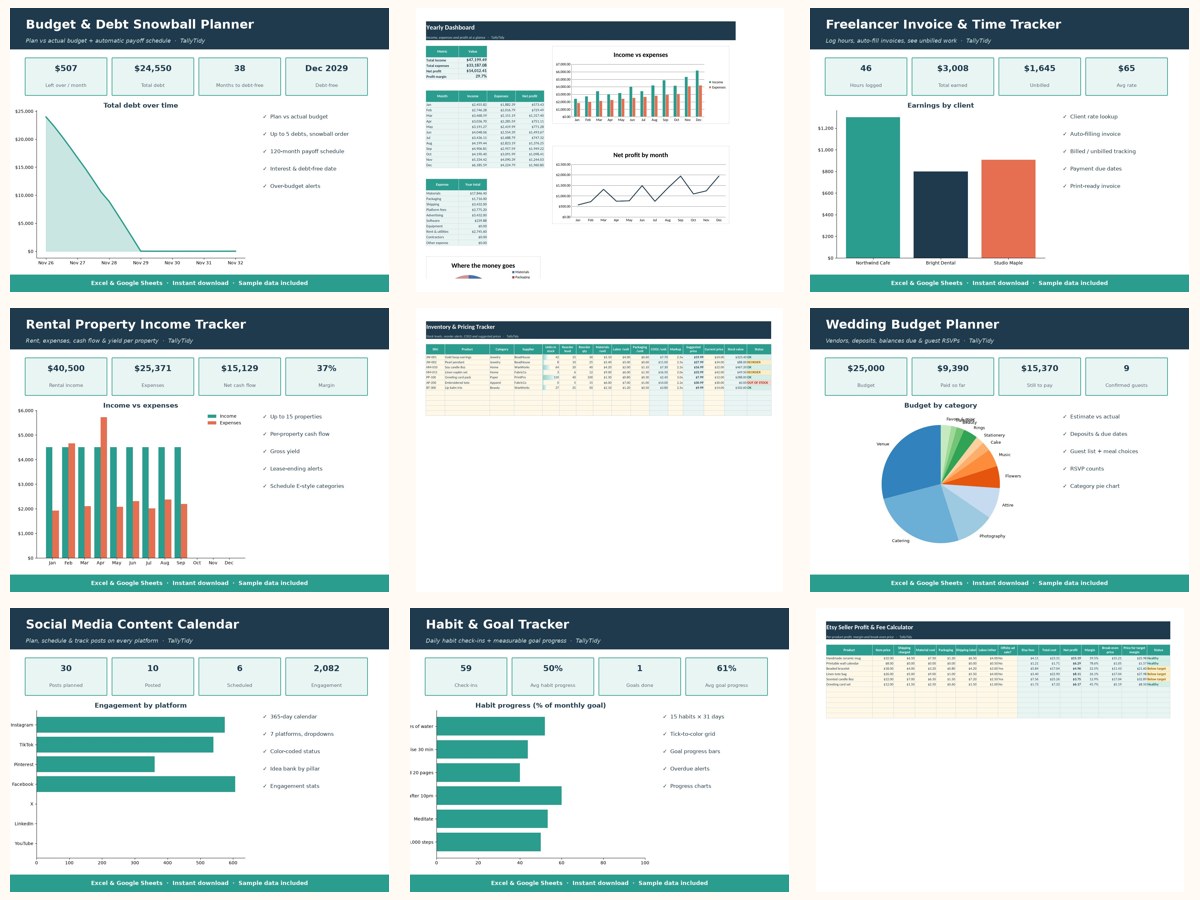
Building your own is a great way to understand your money. If you would rather start with formulas already wired up, the Monthly Budget & Debt Snowball Planner has planned vs. actual, payoff schedules and charts, and the TallyTidy Spreadsheet Bundle includes it with other trackers. Prefer paper? See printable budget planner vs app.
Click Share and add your partner as an editor. Agree on two things: who logs which accounts, and when you review together. A short weekly check-in, even five minutes over coffee, prevents surprises and makes the spreadsheet a shared plan rather than one person's project.
Both work. Sheets is free and easy to share; Excel has more offline power. The formulas here work in both.
Fifteen to twenty-five is a comfortable range. Merge any category you rarely use.
The category names do not match exactly between tabs. Use the dropdown and check for trailing spaces.
Not with a plain spreadsheet. Pasting a CSV export weekly is the usual workaround.
General educational information, not financial advice.
Free tool: 50/30/20 budget calculator – split your take-home pay into needs, wants and savings.