Published November 3, 2026 · TallyTidy
A debt payoff tracker turns a vague goal like "get out of debt" into a list you can watch shrink. Seeing balances fall month after month is one of the most reliable ways to stay motivated during a payoff plan that may take a year or more. This guide explains what to put in a debt payoff tracker, how to choose an order for your debts, and how to use a printable or spreadsheet tracker so you actually keep it up.
Gather your latest statements and write down each debt with these details:
| Debt | Balance | Interest rate (APR) | Minimum payment | Due date |
|---|---|---|---|---|
| Store card | $640 | 27.9% | $35 | 5th |
| Credit card A | $3,200 | 22.4% | $96 | 18th |
| Car loan | $8,900 | 6.9% | $310 | 1st |
| Student loan | $14,500 | 5.5% | $160 | 25th |
The numbers are an example only. Seeing everything on one page is often uncomfortable, but it is the starting point. Include debts owed to family if you intend to repay them; leave out the mortgage if you plan to pay it on its normal schedule.
Total the minimum payments. Then look at your monthly budget and decide how much extra you can put toward debt each month, even if it is small. Your debt payment budget is the minimums plus that extra amount. Keeping this number fixed, even as individual debts are paid off, is what speeds up the plan. If you do not have a monthly budget yet, start with our guide to making a budget spreadsheet.
Pay the minimum on everything, then send the extra to one target debt. There are two common ways to choose the target:
When a debt is paid off, roll its whole payment into the next target. We compare both with a worked example in debt snowball vs. debt avalanche. The best order is the one you will stick with.
List debts in your chosen order with starting balance, current balance, APR, minimum payment and a "paid off" date column. Add a total row and one big number: total debt remaining.
For each debt, a simple log: month, payment, new balance. On a printable, a visual element helps: a thermometer or a grid of boxes where each box is worth a fixed amount, say $50, and you color one in for every $50 paid. Watching the grid fill is surprisingly motivating.
Add a progress column with =1-CurrentBalance/StartingBalance, formatted as a percentage, and a sparkline or bar chart of total debt over time. Many spreadsheets can also estimate the months to payoff for each debt with the NPER function: =NPER(APR/12,-Payment,Balance).
Pick one day a month, for example the day after your main payday, to log payments and update balances from your statements. Use the actual statement balance, since interest and fees change it. Add a short note: what went well, any setback. Celebrate milestones you choose in advance, like each paid-off account or every $1,000 of total debt gone, with something small that does not involve new debt.
Here is how one monthly update might go with the example debts above and an extra $150 a month using the snowball order. You pay the minimums on the car loan, student loan and credit card A, and send the store card its $35 minimum plus the extra $150. You log each payment, copy the new balances from the statements, and update the total. The store card is gone in about four months; from then on its $185 rolls onto credit card A. The tracker makes that hand-off explicit: when a row is marked paid off, write the new, larger payment next to the next target so you do not quietly spend the freed-up money.
Paying debt and saving at the same time is not a contradiction. A small buffer keeps a surprise bill from going onto a card and undoing months of progress. Many people track both on the same page: total debt falling on one side, emergency fund rising on the other. If you like challenges, a 52-week savings challenge can build that buffer gradually.
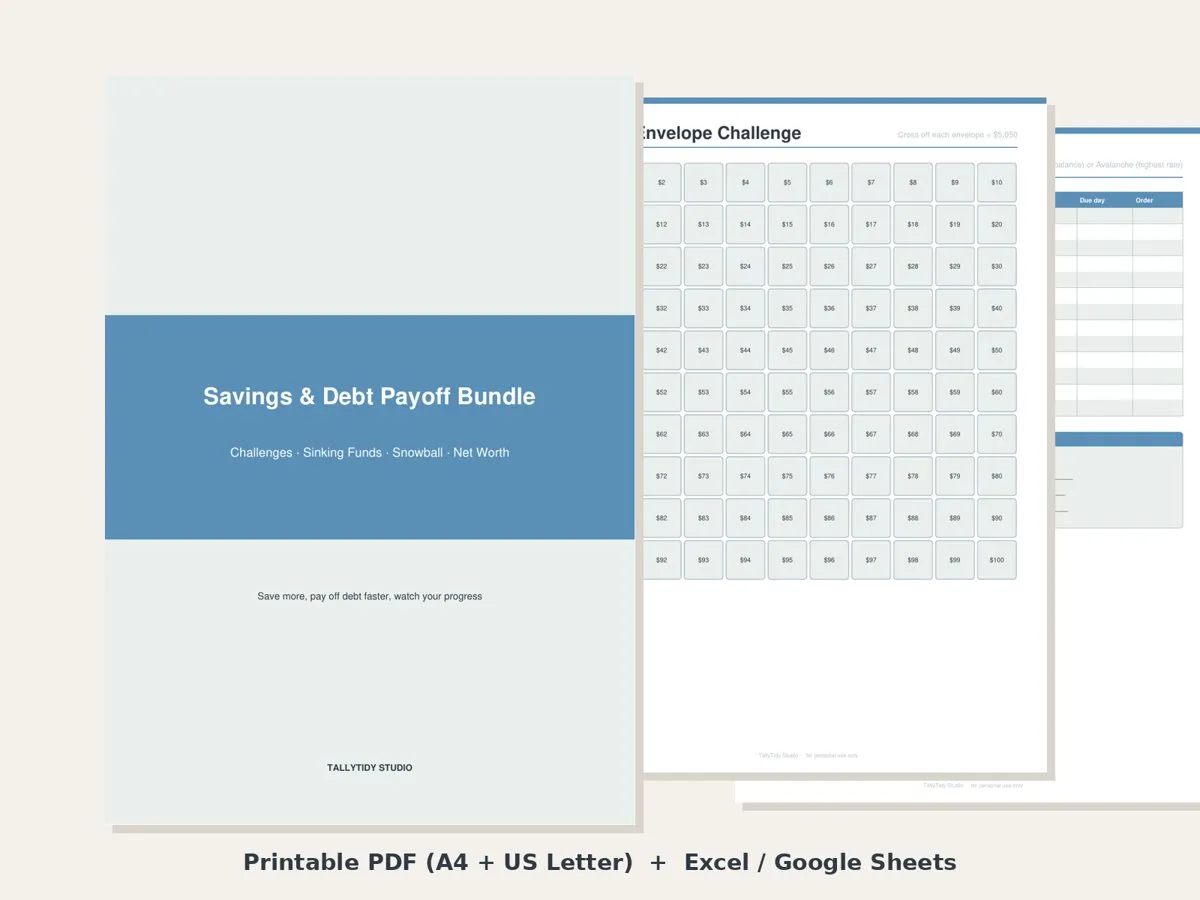
The Savings Challenge & Debt Payoff Tracker Bundle includes printable debt summary pages, per-debt payoff trackers with color-in progress grids, and savings challenge pages. If you prefer formulas that do the math, the Monthly Budget & Debt Snowball Spreadsheet calculates your payoff order and timeline in Excel or Google Sheets.
Usually not in the payoff plan, unless paying it off early is a specific goal. Track it separately.
Once a month is enough. More often can feel discouraging because interest makes changes look small.
Avalanche usually saves more interest; snowball gives faster wins. Either beats no plan.
General educational information, not financial advice. For serious debt problems, consider a nonprofit credit counselor.
Free tool: Debt payoff calculator – compare snowball vs. avalanche with your own numbers.