A Christmas gift budget tracker is just a list of people, a number next to each name, and a running total of what you have actually spent. It sounds too simple to matter, but it is the difference between "I think we spent about the same as last year" and knowing. December spending creeps up through small extras: a second gift because the first one felt small, last-minute shipping, wrapping, a forgotten coworker. Tracking catches those while you can still adjust.
Start with the total, not with the list. Look at what you can comfortably pay in cash or pay off in full when the card bill arrives. If you have been setting money aside during the year, that balance is your ceiling. If not, look at what you can free up from November and December without touching bills. Write that number at the top of the tracker.
Grouping makes it easier to see where the money goes and where a smaller, shared or homemade gift would be perfectly welcome.
Split your total across names. A quick check: add up every per-person number and confirm it is below the total, leaving room for the hidden costs in the next step. If it is over, trim groups rather than individuals; it feels fairer and is faster.
Keep separate lines for wrapping paper, tape and cards, shipping and postage, batteries, gift cards fees, and holiday food or hosting if you want it in the same budget. These often add a meaningful slice to the total, and they are easy to overlook because none of them feels like "a gift".
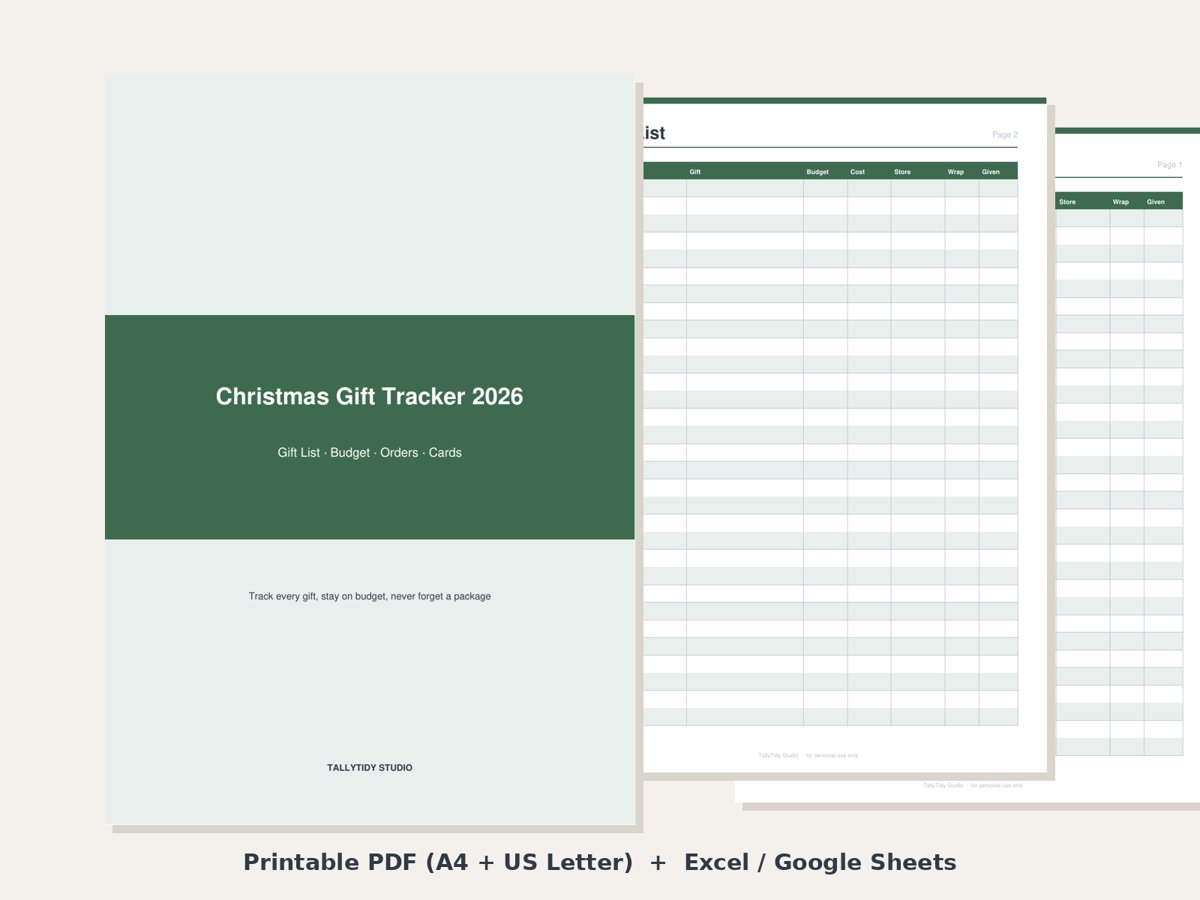
For each person, log: gift idea, where to buy, budget, actual price, bought (yes/no), wrapped, delivered or shipped. Two calculated columns do the work: Difference (budget minus actual) and a running total of everything spent. When someone's gift comes in under budget, you can see the savings and decide whether it moves to someone else or simply stays saved.
In a spreadsheet, the running total is =SUM(E:E) on the actual column, and "remaining" is the total budget minus that. Conditional formatting that turns a row red when actual exceeds budget makes overruns obvious. If you like building your own sheets, our guide on how to make a budget spreadsheet in Google Sheets covers the formulas.
In January, look at the total spent against the plan, and which groups ran over. Divide next year's expected total by twelve and that is your monthly holiday sinking fund. Setting it up now is the single best way to make next Christmas calmer; see our sinking funds spreadsheet guide.
The Christmas Gift Tracker 2026 is a spreadsheet with the gift list, per-person budgets, running totals and status columns already set up. If you prefer pen and paper for menus, decorations and dates too, the Christmas Planner 2026 printable covers the whole season. Both pair well with the general 2027 Budget Planner for January onward.
If several people buy for the same kids or relatives, a shared tracker prevents duplicate gifts. Add a "Bought by" column and share the file, but keep a separate private tab for gifts meant for the people who can see the sheet. Agree in advance whether shared gifts are split evenly and note each person's share in the tracker so nobody has to chase money in January.
There is no right number. Base it on what you can pay without carrying a balance, not on what others spend.
A single "stocking" line per person is usually enough.
Pause buying, see which group ran over, and swap remaining gifts for lower-cost or homemade options.
Spreadsheets do the math and work on your phone in a store; paper is nice for lists. Many people use both.
General educational information, not financial advice.
Free tool: Savings goal calculator – see how much to save each month to hit your goal.